Invoice to Excel

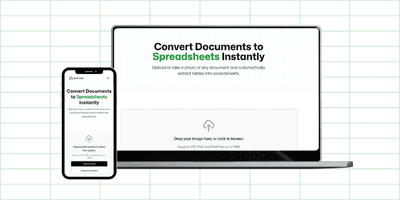
Convert your invoice photos into Excel spreadsheets instantly. Upload JPG or PNG images of invoices and extract line items, prices, and totals into Excel, CSV, or Google Sheets format.

Capture with camera or select from gallery
Supports JPG, PNG, and WebP files up to 10MB

How to Convert Invoice to Excel

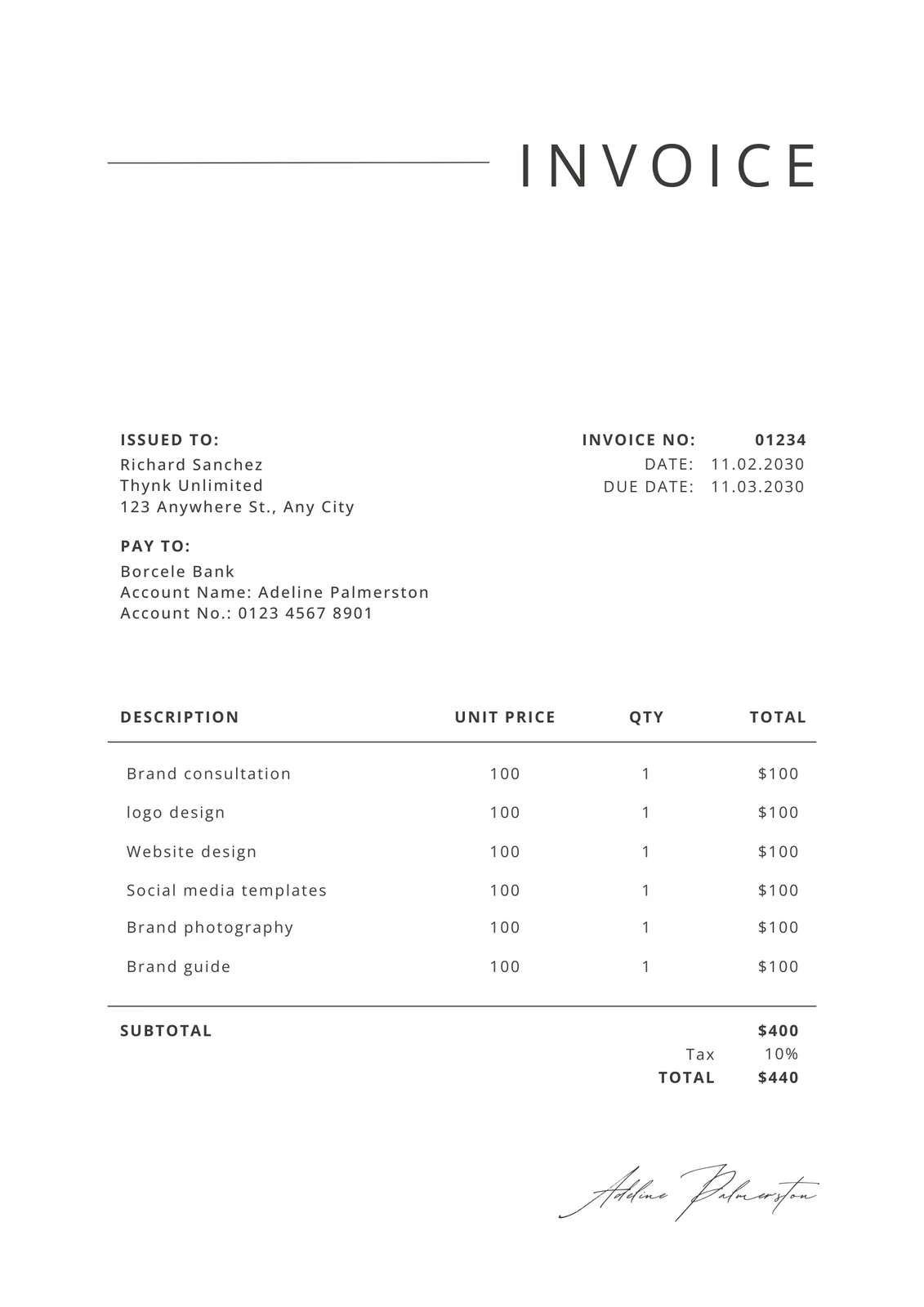
Transform invoice images into organized Excel spreadsheets with ease. Our AI-powered invoice converter extracts line items, descriptions, quantities, unit prices, and totals from invoice images, making accounting and record-keeping simple.

  1. Capture or upload your invoice: Take a photo with your phone camera or upload an existing JPG or PNG image of your invoice.
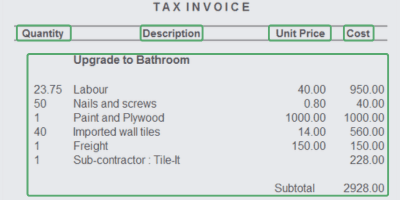
  2. AI extracts invoice data: Our advanced technology automatically identifies invoice line items, quantities, prices, tax amounts, and totals.
  3. Download in your preferred format: Export as Excel (XLSX), CSV, or copy directly into Google Sheets for further processing.

Convert Invoice JPG to Excel

Invoices saved as JPG images can be easily converted to Excel format. Our converter accurately reads JPG invoice images, extracting all line items, descriptions, quantities, unit prices, and totals. Simply upload your JPG invoice and receive a well-organized Excel spreadsheet.

Perfect for digitizing paper invoices - just take a photo with your phone camera (which saves as JPG) and convert it to Excel for easy accounting and record keeping.

Convert Invoice PNG to Excel

PNG format invoices are fully supported by our Excel converter. PNG images often provide better quality and clarity, making data extraction more accurate for invoices with detailed line items or small text. Upload your PNG invoice and receive a perfectly formatted Excel spreadsheet.

Whether your invoice is a PNG screenshot from email, a scanned document, or a digital photo, our tool handles the conversion seamlessly and accurately.

Invoice to Google Sheets

Need your invoice data in Google Sheets? Our converter creates spreadsheets that are fully compatible with Google Sheets. After extraction, you can copy the data directly into Google Sheets or download as CSV and import it.

Google Sheets compatibility means you can collaborate on invoice processing, create shared accounting spreadsheets, and use Google's powerful functions to analyze invoice data.

Invoice to Spreadsheet

Convert any invoice image into a fully functional spreadsheet. Our tool extracts line items, descriptions, quantities, unit prices, tax amounts, totals, invoice numbers, dates, and vendor information from invoices and organizes them into structured spreadsheet columns.

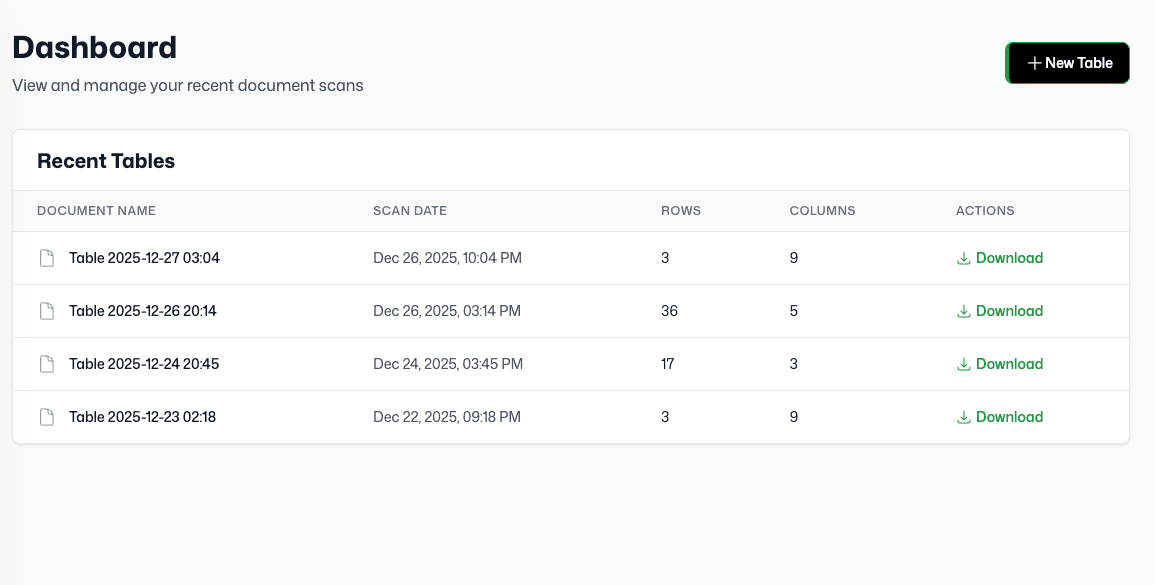
The resulting spreadsheet can be opened in Excel, Google Sheets, or any spreadsheet application. All data is properly formatted and ready for accounting, bookkeeping, or financial analysis purposes.

Why Convert Invoices to Excel?

  • Accounting efficiency: Organize all your invoices in one spreadsheet for streamlined accounting and bookkeeping processes.
  • Vendor management: Track invoices from multiple vendors in Excel format for easy comparison and analysis.
  • Financial reporting: Convert invoices to Excel for easier financial reporting, budgeting, and cash flow analysis.
  • Multiple format support: Export as Excel (XLSX), CSV, or use with Google Sheets - choose what works best for your accounting software.
Invoice to Excel | Convert Invoices to Spreadsheets