Handwritten Table to Google Sheets
Convert handwritten tables into Google Sheets instantly using advanced OCR technology. Scan with your phone camera and extract data automatically.
See how it works
Watch how our AI-powered OCR technology converts handwritten table images into organized Google Sheets with accurate text recognition.
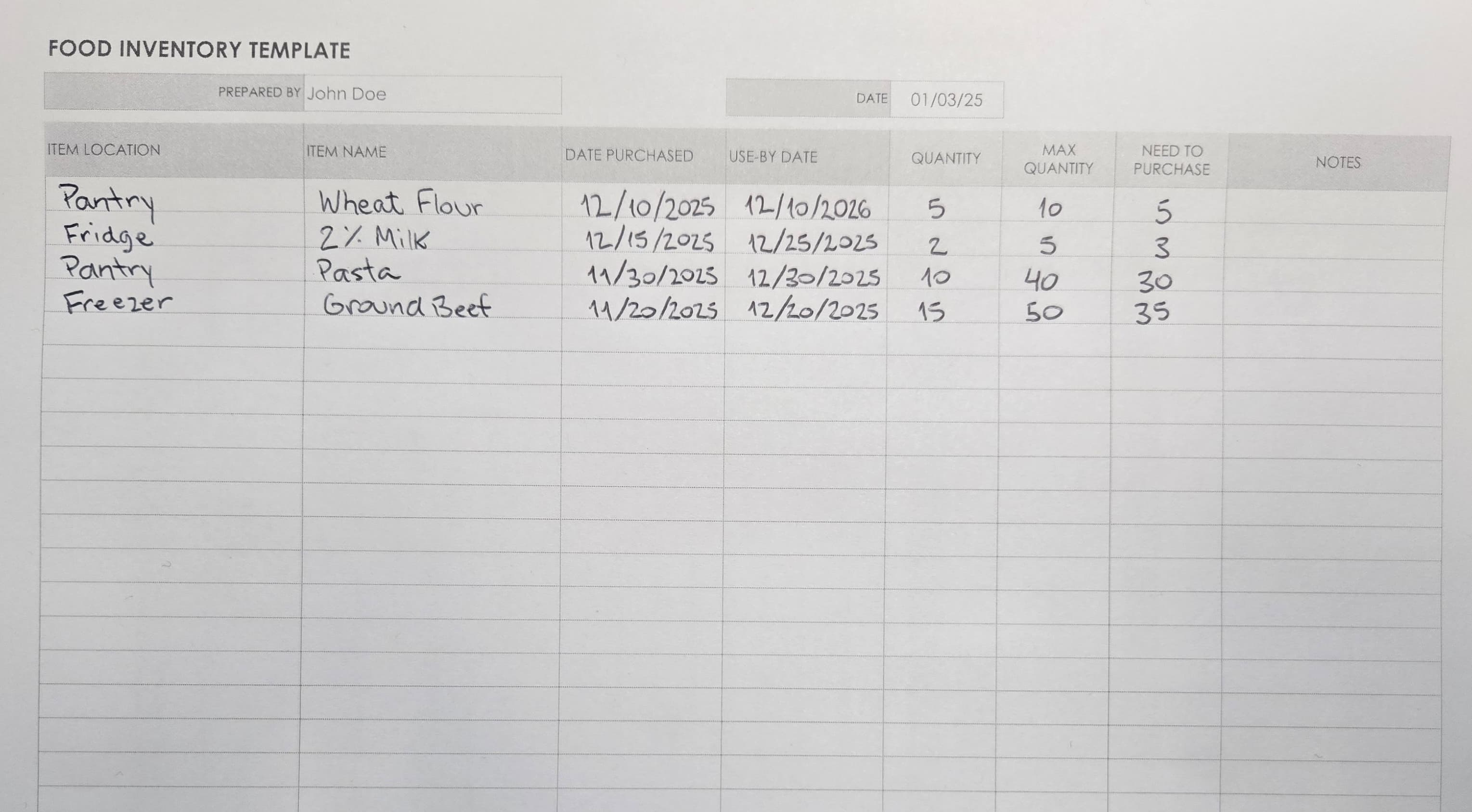

| ITEM LOCATION | ITEM NAME | DATE PURCHASED | USE-BY DATE | QUANTITY | MAX QUANTITY | NEED TO PURCHASE | NOTES |
| Pantry | Wheat Flour | 12/10/2025 | 12/10/2026 | 5 | 10 | 5 | |
| Fridge | 2% Milk | 12/15/2025 | 12/25/2025 | 2 | 5 | 3 | |
| Pantry | Pasta | 11/30/2025 | 12/30/2025 | 10 | 40 | 30 | |
| Freezer | Ground Beef | 11/20/2025 | 12/20/2025 | 15 | 50 | 35 |
Advanced OCR Technology
Powered by advanced optical character recognition (OCR) technology that can read and extract data from handwritten tables with high accuracy. Perfect for digitizing notes, forms, and handwritten records.
Tips for Handwritten Tables
Follow these tips to get the best OCR recognition results for your handwritten tables.
Clear Handwriting
Write clearly and legibly. Avoid cursive or overly stylized handwriting when possible. Print handwriting is generally recognized more accurately.
Dark Ink, Light Paper
Use dark ink (black or dark blue) on light-colored paper for best contrast. This improves OCR accuracy significantly.
Table Structure
Use clear lines and consistent spacing between columns and rows. Well-defined table borders help the system identify table structure accurately.
High Resolution
Capture the handwritten table with a high-resolution camera. Higher resolution images provide more detail for OCR processing, improving accuracy.
Powerful Features
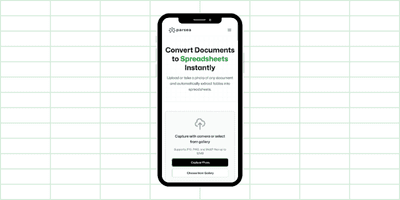
Designed for Mobile
No downloads or installations required. Capture handwritten tables with your phone camera directly from your mobile browser.
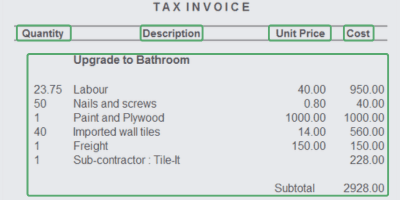
AI-Powered Extraction
Automatically identifies and extracts key information from handwritten tables with precision and speed.
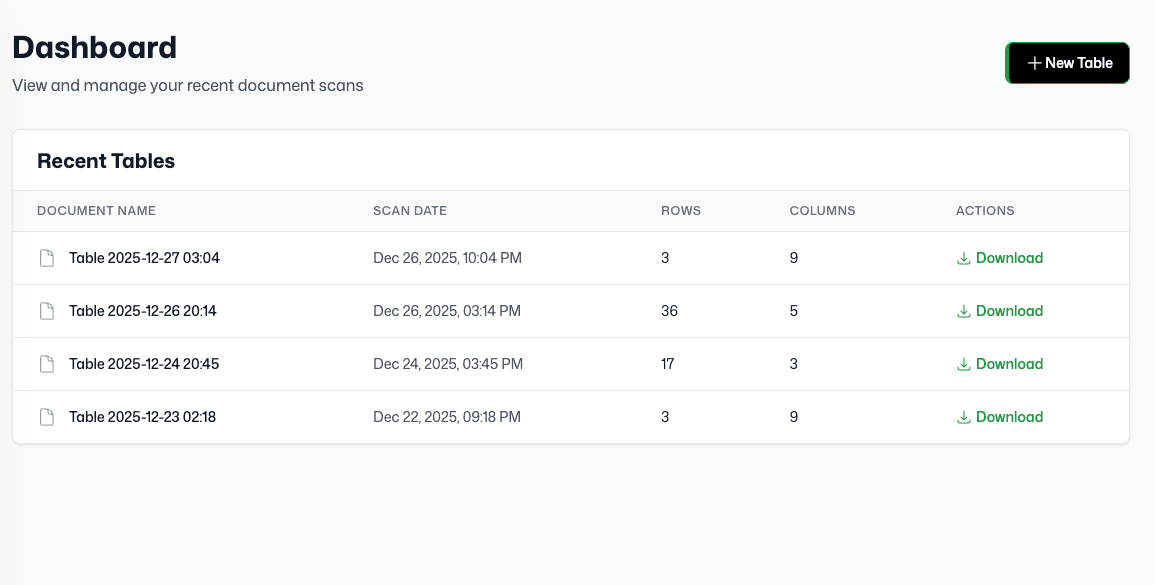
Upload History
Access your previously converted documents anytime. Keep track of all your conversions in one place.
Supported Handwritten Table Formats
Convert images into spreadsheets in multiple formats. Transform your handwritten tables into Excel, CSV, or Google Sheets compatible files.
Input Formats
Upload images in these formats to convert to spreadsheets
JPG
JPEG images
PNG
PNG images
JPEG
JPEG format
WebP
WebP images
Output Formats
Download your converted data in these spreadsheet formats
Excel
Microsoft Excel format
CSV
Comma-separated values
Google Sheets
Compatible with Google Sheets